A Guide to Salesforce Pricing and How to Reduce Spend
A bigger discount cannot fix a commitment you do not need. Separate contracted, assigned and used licences, check bundle overlap and prepare a renewal requirement your finance team can defend without disrupting the business.
A Guide to Salesforce Pricing and How to Reduce Spend
Understanding how to reduce Salesforce spend starts with what you have contracted, what people use and when you act. Most reductions come from fixing the scope of your commitment, not winning a bigger discount on products your business does not need.
How can I reduce my Salesforce spend?
Reduce spend by establishing what you owe, checking what the business needs and negotiating against that corrected requirement. Your immediate task is to distinguish waste you can stop buying from capacity you can only reassign, because removing access does not automatically change a contracted bill.
- Build a licence baseline that separates contracted, assigned and used.
- Classify every licence line as keep, reassign, downgrade or remove.
- Complete the clean-up before the renewal baseline is set.
- Check bundles, add-ons and consumption products for overlap and fit.
- Set a quarterly review so the waste does not return.
Keep an approved business requirement beside every proposed change, with a named person accountable for confirming it. As CFO, reconcile the proposed renewal quantity to that requirement, rather than rolling forward the last invoice.
Separate cash reductions from capacity released for reassignment, and understand when your Salesforce renewal actually starts before accepting an unchanged baseline. A deactivated account may free a licence for another employee without reducing what you owe Salesforce.
Fix the requirement before negotiating its price.
How does Salesforce pricing work?
A useful Salesforce pricing guide separates the unit price, the licence quantity and any consumption commitment. If you are assessing how to reduce Salesforce spend, compare those elements separately: a lower price on a larger bundle can still increase your budget, particularly when capabilities overlap.
The subscription portion is committed seats multiplied by the agreed net rate, not the number who logged in. Salesforce raised list prices on some editions in August 2025. In September 2026, it replaced Enterprise and Unlimited with Core, Advanced and Max for Agentforce Sales, Service and Industries, bundling Slack, Tableau Next and Premier Success Plans.
Salesforce says existing legacy-edition pricing remains unchanged under that change; confirm what applies at your renewal and compare like for like. Something newly bundled may duplicate a separate purchase. Ask for the renewal proposal to show changes in product scope, quantities and net commitment, so overlap does not survive unnoticed. Do not treat an edition rename as proof that you must replace every legacy entitlement; ask what your proposed order actually requires.
Per-user subscriptions vary by edition; add-ons and consumption products need different models. Published rates to confirm on Salesforce's EU Sales pricing page include $500 per 100,000 Flex Credits, $0.10 per standard action and $2 per conversation. Ask whether unused credits roll over. Where seats and credits are blended, size each separately from real usage before choosing the model. Keep separate views of today's billed spend, the proposed renewal commitment and any consumption exposure, so an apparent subscription reduction does not hide a larger variable bill.
Compare total commitments and entitlements, not discount percentages.
Where does Salesforce spend usually leak?
Spend usually leaks through retained access, excessive entitlements and products bought without a continuing business need. To decide how to reduce Salesforce spend, test each line against work actually performed, not merely whether somebody has assigned it or negotiated a discount when it was purchased.
In SaaSed's conversations with buyers, about 8 in 10 companies overpay, more often in scope than list price. That is our observation, not a market statistic.
| Spend lever | What to check |
|---|---|
| Inactive users | Retained licences after departure or role change |
| Over-provisioned licence types | Capabilities beyond the user's actual work |
| Permission set and feature licences | Temporary project access never withdrawn |
| Integration and system accounts | Whether a lower-cost entitlement is permitted |
| Mid-term add-ons and unused products | Discount differences and products never implemented |
| Consumption products and bundle overlap | Utilisation and separately purchased bundled capabilities |
Mid-term purchases often carry lower discounts than the original deal in SaaSed's experience. Verify alternatives for system accounts against Salesforce documentation and your contract. Also check products bundled but never implemented. Compare each added line with the original order rather than assuming that the headline discount extends across the whole account.
A paid entitlement is not evidence of continuing need.
How do I find licences I am not using?
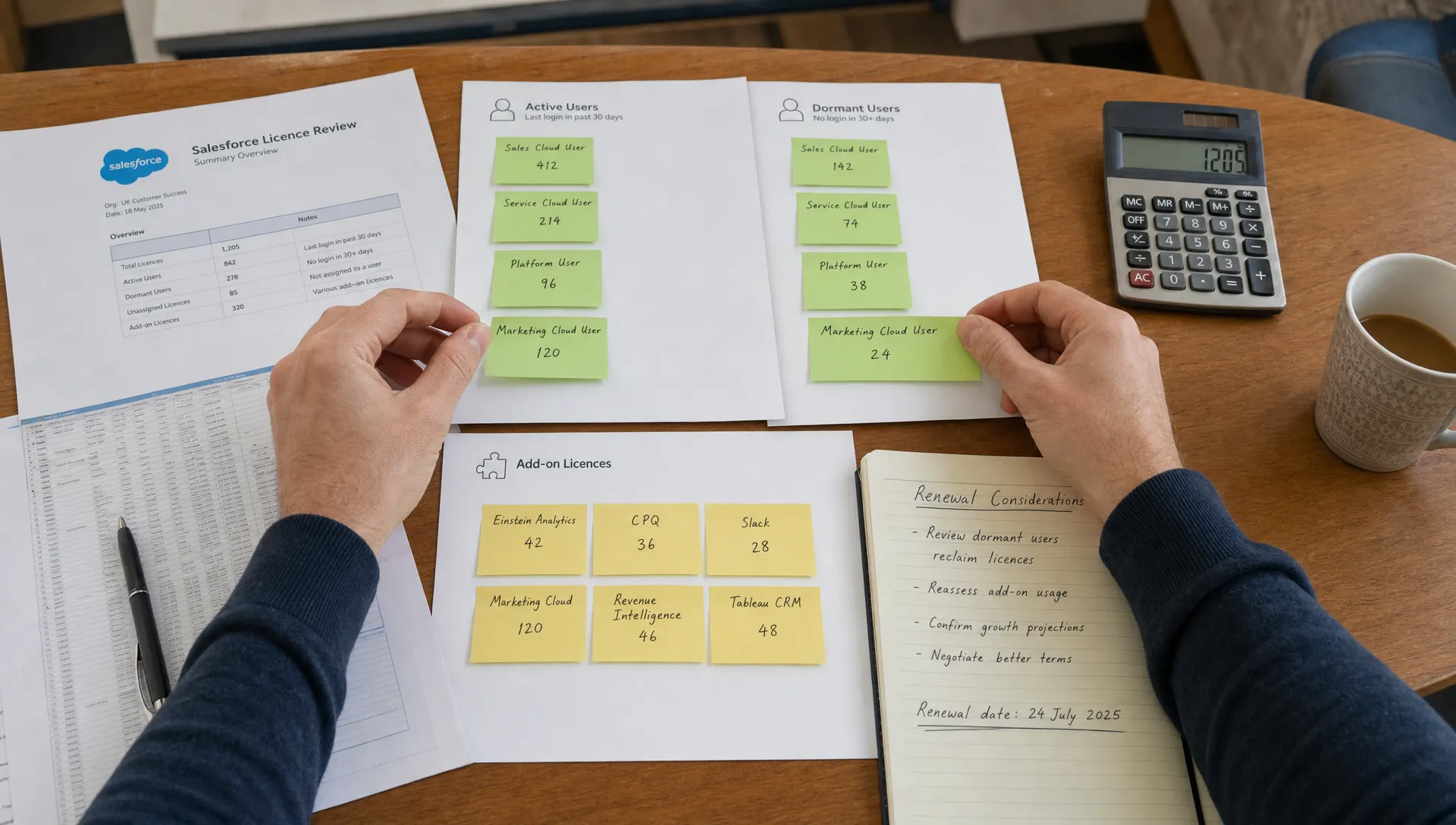
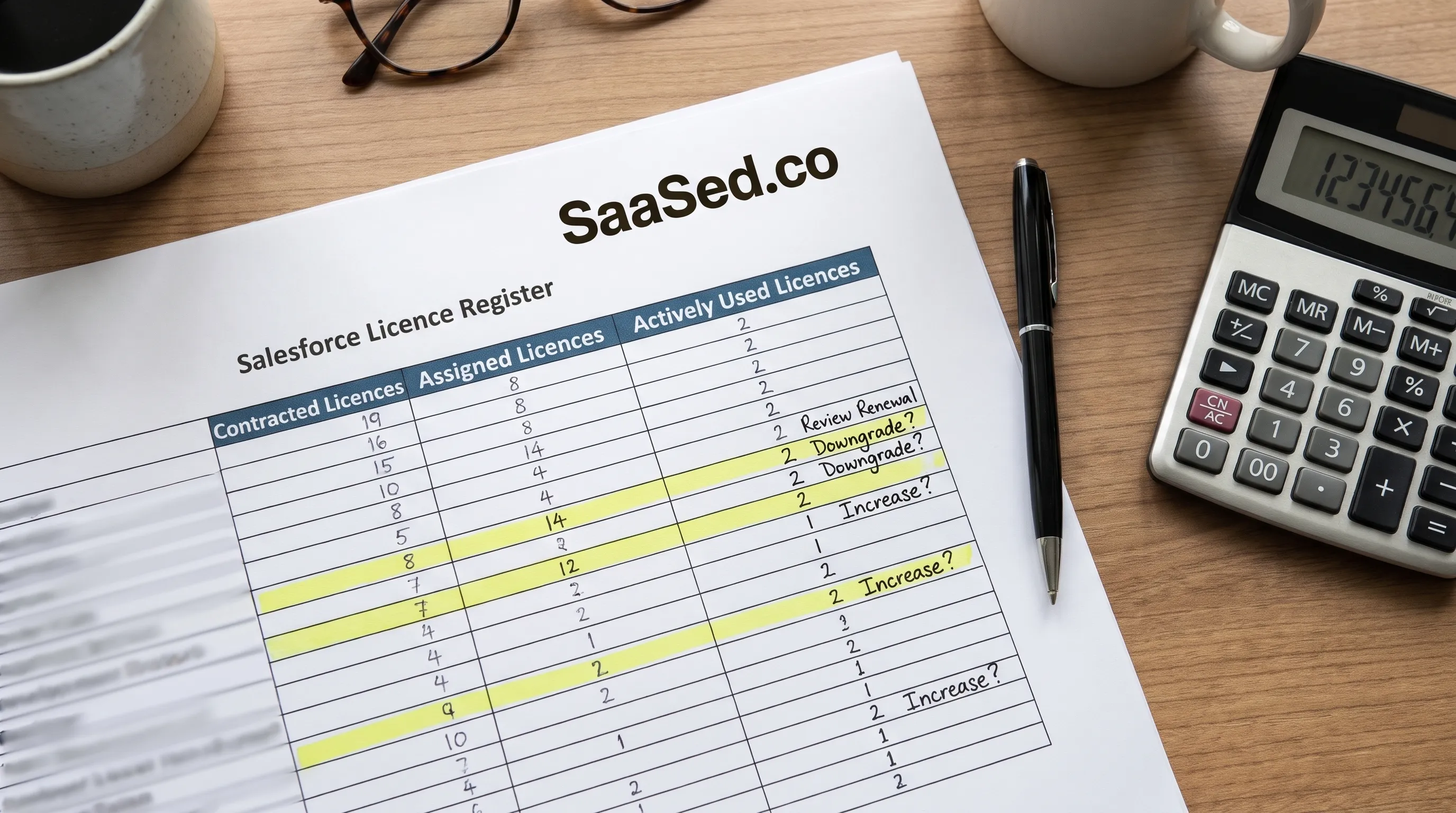
Compare contracted, assigned and used licences, not just assignments. Check totals and used licences in Company Information, then last-login reports, Login History for people versus integrations or shared logins and permission set licence assignments. Those screens show allocation and access clues, not proof that every entitlement is needed. Unassigned contracted licences can still be billed.
For deciding how to reduce Salesforce spend, no login in 90 days is a working threshold, adjusted for seasonal roles and confirmed with the user's manager. Dioro, our own Salesforce analytics tool, gives you a SKU audit and usage insight. Check contract dates alongside usage; establish how to find your Salesforce renewal date before proposing reductions.
Licence utilisation = active users ÷ contracted licences. Effective cost per active user = annual spend ÷ active users ÷ 12. Illustrative only, not a benchmark or saving estimate: 450 contracted licences, 400 assigned and 320 active at £130 per licence monthly means £702,000 annually, about 71% utilisation and about £183 per active user monthly. The 130 licences not in active use represent £202,800 annually at net price, not an automatic saving.
How do I remove licences safely?
Confirm the role with the manager, then check ownership of automations, reports and integrations and whether this is a shared or system login. Do not delete business records merely to make the user report look cleaner. Record what you remove and why. Freezing blocks login but does not release the licence; deactivation does. Confirm that distinction in current Salesforce documentation before acting.
Release access safely; do not treat it as a contractual reduction.
What is licence rightsizing, and when can I do it?
Rightsizing matches licence capabilities to work, with contractual reductions typically decided at renewal. Heavy daily CRM users need full CRM licences; operational users needing custom apps or records may fit Salesforce Platform licences. Identity-only and integration needs may fit other licences, but verify capabilities before moving anyone.
Write down the required objects, apps and workflows before changing licence type. Do not assume a lower-cost entitlement supports standard CRM functionality because someone logs in infrequently. External-user portals can be priced per member or per login, so model actual sign-ins; size capacity-based products from utilisation. Salesforce's renewal FAQ says the change window opens 90 days before contract end for product additions, removals and term changes, and describes a standard 12-month term. Check your own agreement for mid-term rights.
SaaSed's view is to start about 12 months before contract end, completing clean-up before the renewal baseline is set. Use the earlier preparation period to agree the requirement internally, not to wait for the formal change window to open. When planning how to reduce Salesforce spend, understand why 31 January decides your price: Salesforce's fiscal year ends then, but year-end timing never guarantees a discount.
The usage decision and the contractual saving may happen at different times.
How do I stop the waste coming back?
Give the licence register a named owner and make quarterly reviews part of financial control. Connect leaver and role-change processes to licence release, and require approval plus an expiry date for temporary premium and permission set licences. This turns a renewal clean-up into an ongoing purchasing discipline.
Track utilisation by licence type over time, so growth in one team does not conceal unused capacity elsewhere. Keep contracted quantities, assignments and active usage distinct. Make the usage trend visible to budget holders before they approve new licences; reassignment opportunities can otherwise remain hidden while fresh commitments are signed.
Before buying more, reconcile the request with available entitlements and the renewal plan. Any temporary exception should identify who approved it and when it will be reviewed. Keep the decision trail beside the licence register, so your next review can see why an exception still exists.
Quarterly control is how to reduce Salesforce spend without repeating the same clean-up.
Who can help me reduce my Salesforce spend?
Start with finance and procurement: you know the estate but may see few Salesforce renewals. The account team can explain products, with its own commercial objectives. Implementation partners and resellers bring product knowledge but may have margin or services ties to Salesforce. Independent advisers and usage tooling offer other perspectives.
Ask any provider: does the firm earn revenue from Salesforce or resellers? How are fees structured, and are they tied to outcomes? What documents will you keep? How is your data handled? You should be able to explain their incentives before relying on their recommendation. Also understand who inside Salesforce approves your deal, rather than treating your account executive as the final authority.
SaaSed is a specialist Salesforce procurement and commercial advisory firm serving enterprise buyers across EMEA. An engagement should leave you with a spend and entitlement baseline, a view of idle licences and a reviewed contract, not an unsupported promise of savings. Check whether each recommendation distinguishes access changes from contractual reductions. The useful output is a defensible requirement your own team can maintain after the engagement ends.
Advice on how to reduce Salesforce spend should leave you with evidence you own.
Frequently asked questions
These answers distinguish operational clean-up from changes to your contracted commitment.
Can I reduce Salesforce spend without leaving Salesforce? Yes, by correcting scope, licence mix or commitments while retaining the platform; the answer depends on the deal and the contract.
Do unused licences reduce my bill automatically? No, releasing access does not itself reduce a subscription commitment; the answer depends on the deal and the contract.
Do I have to wait until renewal to reduce spend? No, you can reassign capacity now, although reducing committed payments may require renewal; the answer depends on the deal and the contract.
Is there a typical saving I should expect? No, outcomes vary with your starting position and timing. Treat fixed saving percentages quoted without a source with caution; the answer depends on the deal and the contract.
SaaSed is a specialist Salesforce procurement and commercial advisory company. We work with enterprise buyers on Salesforce renewals, contract negotiation, licensing decisions, commercial strategy and cost optimisation — with the aim of improving commercial control and removing cost that serves no purpose. For an overview of how we support renewals, see Salesforce procurement advisory.
Check your timing with a 3-minute readiness assessment: Find your renewal window.
Want this kind of intel on your renewal?
Don’t head into your next software negotiation alone
Contact Us