How to Find Your Salesforce Renewal Date
A renewal quote is not your source of truth. Trace each product’s term back to its signed order form, build a reliable register and give every deadline an owner before commercial discussions begin.
Persona: Salesforce Owner
Target query: how to find salesforce renewal date
Meta title: How to Find Your Salesforce Renewal Date
The answer to “how to find salesforce renewal date” sits in your signed order forms and the agreement they sit under, not in the quote that arrives later. Read the subscription term dates for each product line, account for any amendments and record the evidence before putting a date in the calendar.
Why does the renewal date matter more than the quote?
The renewal date matters more than the quote because your signed documents establish the contractual timetable, while a later quote presents a commercial proposal. Waiting for that proposal can leave you preparing against the seller’s schedule rather than the dates and requirements already recorded in your agreement.
As Salesforce Owner, you need to distinguish the end of the current subscription term from the date someone expects to send you a proposal. They answer different questions. The first belongs in your contract register. The second is a sales-process milestone, not a substitute for checking the contract.
A quote can help you identify the products being discussed. It should not be your only evidence of which subscriptions expire when, particularly if it groups together products purchased under separate order forms.
The practical consequence is straightforward: establish your contractual dates before reviewing the proposed renewal. Otherwise, you can spend time checking a price while an earlier contractual action date remains unexamined. A reliable date register gives procurement something firmer to work from than an anticipated quote arrival.
Where do I find my Salesforce renewal date?
Find your Salesforce renewal date in the subscription term information on your signed order forms, read alongside the agreement they sit under and any amendments. Check every relevant product line rather than stopping at a date on the first page or assuming the latest document covers everything.
How to find Salesforce renewal date details in your records
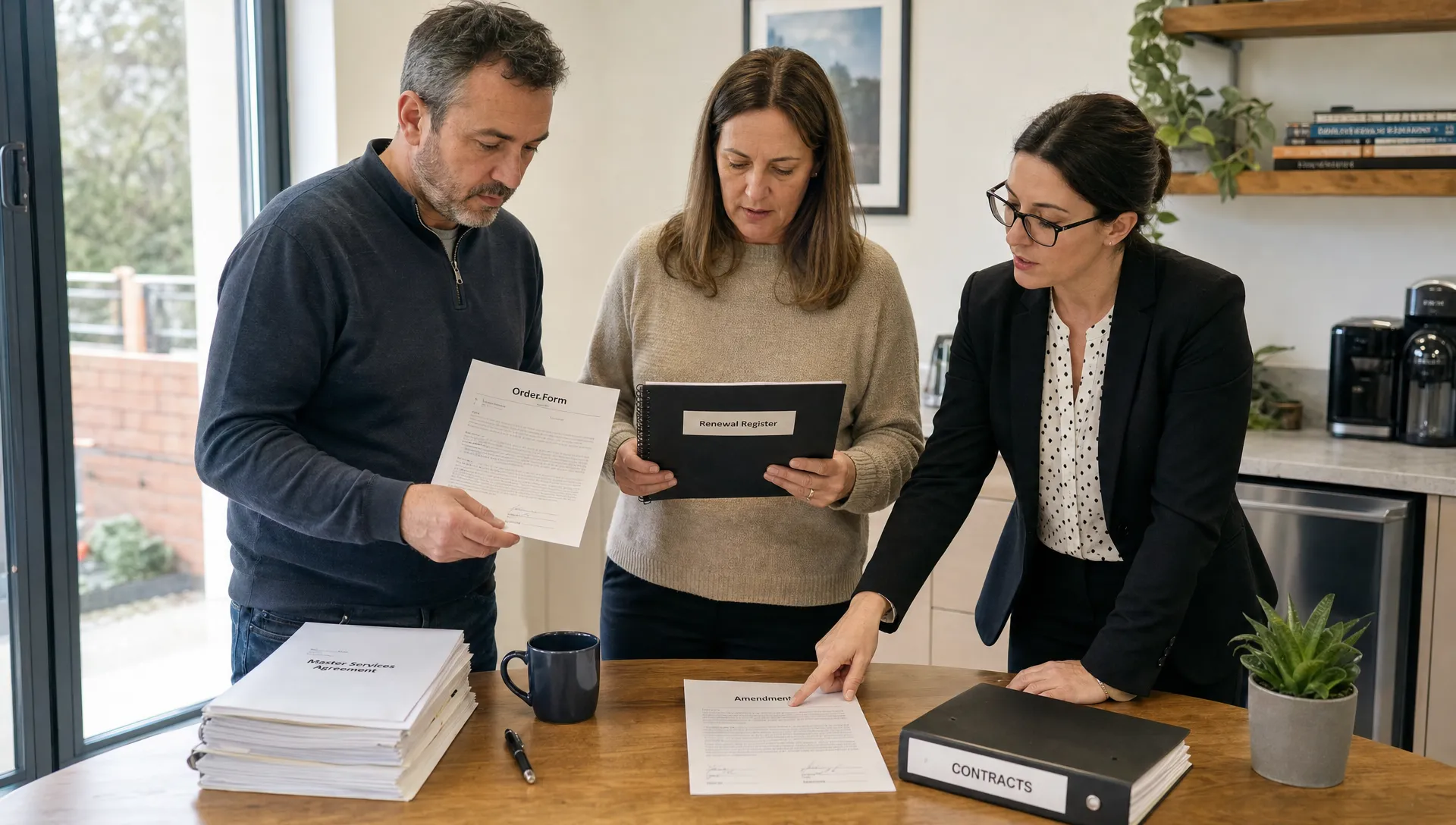
Gather every signed order form and amendment, then trace each product line to its subscription start and end dates.
Start with the records held by procurement, legal and whoever completed the original purchase. Search your own purchasing records too, including documents retained when products or quantities changed. Ask for the executed paperwork, not just an unsigned proposal or an email discussing a possible term.
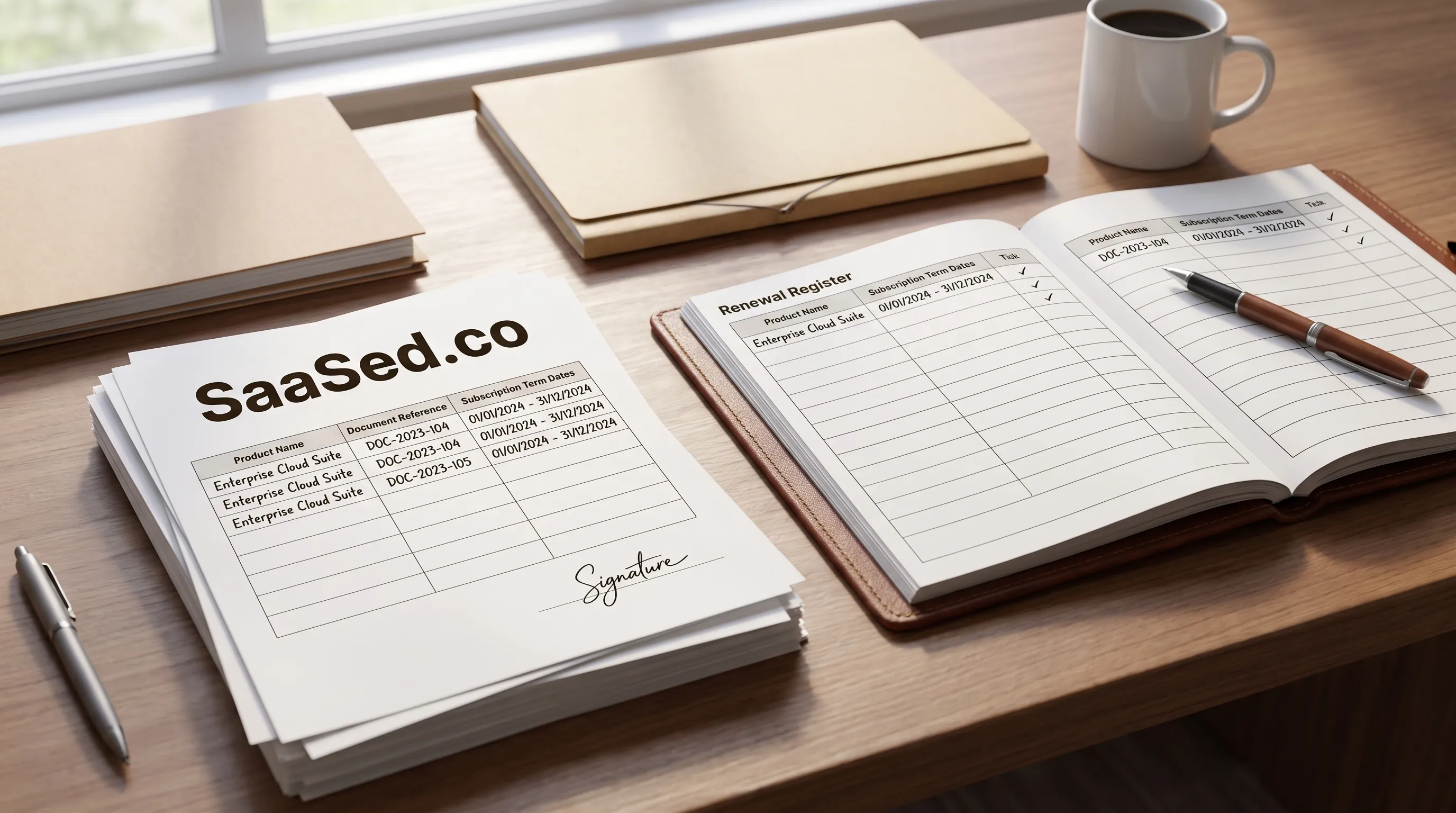
For each product line, capture the document reference, the product or SKU description and the term dates exactly as written. Keep a link to the source document beside the entry so another person can verify it without repeating your search.
Invoices and account records can help you locate missing paperwork, but do not treat a billing date as proof of a subscription end date. If the documents disagree or a product has no clear term reference, mark the entry as unresolved and seek written clarification. Do not silently choose whichever date looks most plausible.
Why might I have more than one renewal date?
You may have more than one renewal date because your subscriptions can sit across several order forms with different term dates. Products added during the term may have their own dates or be aligned to an existing term. Which arrangement applies depends on your contract and the relevant order form.
That means the date attached to your main subscription may not describe every product you manage. An additional purchase needs its own document check, even if it appears on the same commercial proposal at renewal.
Read amendments carefully as well. Establish whether an amendment changes a term date, changes something else or leaves the original dates untouched. Do not infer the answer from the amendment’s signature date.
Your register should preserve separate dates until the signed paperwork supports combining them. If several product lines share a term, you can group them for planning while keeping their source references visible.
Knowing how to find Salesforce renewal date details for the main subscription is therefore only part of the job. You also need to establish whether that date applies to everything else in scope.
What should I check in the order form besides the date?
Alongside the subscription dates, check product descriptions, quantities, prices, renewal wording and any notice requirement in each order form. Read those provisions yourself, together with the governing agreement and amendments. A date without the associated scope and contractual requirements is not enough to manage a renewal reliably.
Your terms are set by the Main Services Agreement and the order form, which specifies products, quantities and prices. The official customer agreement documents provide a reference point, but you must identify the agreement and version applicable to your signed paperwork.
Match the product or SKU wording in your register to the document. Keep quantities and prices attached to the correct product line rather than copying totals without their context. This gives procurement a contractual baseline to compare with the eventual quote.
For any notice requirement, record what the contract actually requires and ask legal to confirm anything unclear. Do not fill gaps with a remembered deadline or an assumption that an ordinary email will satisfy the requirement.
This is why contract review should start months before renewal: finding a date is quick only when the supporting paperwork is complete and consistent.
Who should own the renewal date inside my company?
One named person should own the renewal register, and as Salesforce Owner you are well placed to maintain it. Procurement should verify the commercial timetable and legal should resolve contractual ambiguity, but those contributions should feed into a single maintained record rather than separate, competing calendars.
Ownership means keeping the evidence current, not merely receiving a reminder. Whenever a signed order form or amendment arrives, the owner should check whether it adds a product, changes a date or creates another action to track.
Keep the register simple enough to maintain:
| Register field | What to record |
|---|---|
| Source document | Signed order form or amendment reference and location |
| Product scope | Product or SKU description and quantity |
| Subscription term | Start and end dates as written |
| Commercial baseline | Prices linked to the relevant product lines |
| Required action | Any contractual notice requirement and verified deadline |
| Accountability | Named owner, status and unresolved questions |
Share the same register with procurement instead of sending a date without its source. If someone challenges an entry, both of you should be able to open the relevant document and see how it was recorded.
An internal handover should explain how to find Salesforce renewal date records as well as who maintains them. Keep a backup owner so an absence or role change does not leave the timetable unattended.
How early should I put the date in the calendar?
Put the date in the calendar as soon as you verify it, then schedule preparation ideally 12 to 18 months before the end date. That is particularly useful for large contracts such as a SELA covering many products. An 8 to 12 month preparation window is still very good.
Below 8 months, the leverage you have as a buyer shrinks with every month. Less time remains to reconcile documents, understand what you need and agree an internal position before commercial discussions become urgent.
Calendar the subscription end date and any earlier contractual action deadline separately. A preparation reminder is your internal planning choice; a notice deadline comes from the contract. Labelling them clearly prevents someone from treating a planning milestone as the last available opportunity to act.
Build reminders around work that needs an owner: completing the document set, resolving uncertain dates and confirming the product scope with procurement. Do not create a single reminder that simply says “renewal” and leaves everyone to interpret it.
The broader question of when your Salesforce renewal actually starts is about the preparation window, not when the quote appears. Once you know how to find Salesforce renewal date information, use it to establish that window while there is still time to make decisions.
Frequently asked questions
Is the renewal date the same as the contract end date? Not necessarily; check how your signed documents label the subscription term and any renewal date rather than treating those labels as interchangeable. Record both where provided and ask for clarification if the relationship is unclear.
What if I cannot find all of my order forms? Ask procurement, legal and your purchasing contacts for the missing signed documents, then request copies through your Salesforce account contact. Keep affected entries marked as unverified. Finding a date in an invoice or an old calendar entry does not resolve the missing evidence.
Does adding products during the term change my renewal date? It depends on the contract, so check the relevant order forms and amendments. An addition may carry its own dates or align with an existing term; do not assume either arrangement applies without reading the signed paperwork.
Who at Salesforce can confirm my dates? Who can provide authoritative confirmation depends on your contract, so check your order forms and ask your Salesforce account contact to route the request to the team responsible for your agreement. Request written confirmation tied to the relevant documents, not just a date without a reference.
Use the 3-minute readiness assessment to check your timing: Find your renewal window.
Want this kind of intel on your renewal?
Don’t head into your next software negotiation alone
Contact Us